Run your club from anywhere, even offline
Swimly works seamlessly on phones, tablets, and laptops. Take registers poolside with offline mode, check schedules on the go, and manage your club from anywhere.
Start your club, free

Same interface, same data, every device. Desktop, tablet, or poolside on your phone.
Offline Mode
- Take attendance poolside without internet connection
- View member details and session schedules offline
- Data syncs automatically when connection returns
- Never lose data due to poor pool Wi-Fi
Works on Any Device
- Responsive web app works on phones, tablets, and laptops
- iOS, Android, Windows, and Mac supported
- Install as a progressive web app for app-like experience
- Same interface across all devices for consistency
Cloud Syncing
- Start on your phone, finish on your laptop seamlessly
- Multiple admins can work simultaneously
- Real-time updates across all devices
- Automatic backups to secure cloud storage
Fast and Lightweight
- Loads quickly even on slower connections
- Minimal data usage for mobile connections
- Optimised for touch and small screens
- Battery-efficient design for all-day poolside use
Designed for real life
Built for the poolside
Large touch targets, high-contrast text, and a clean layout designed for wet hands, bright lighting, and quick glances between sets.
Attendance register
Tap to mark present. Works offline. Syncs when you leave the pool.
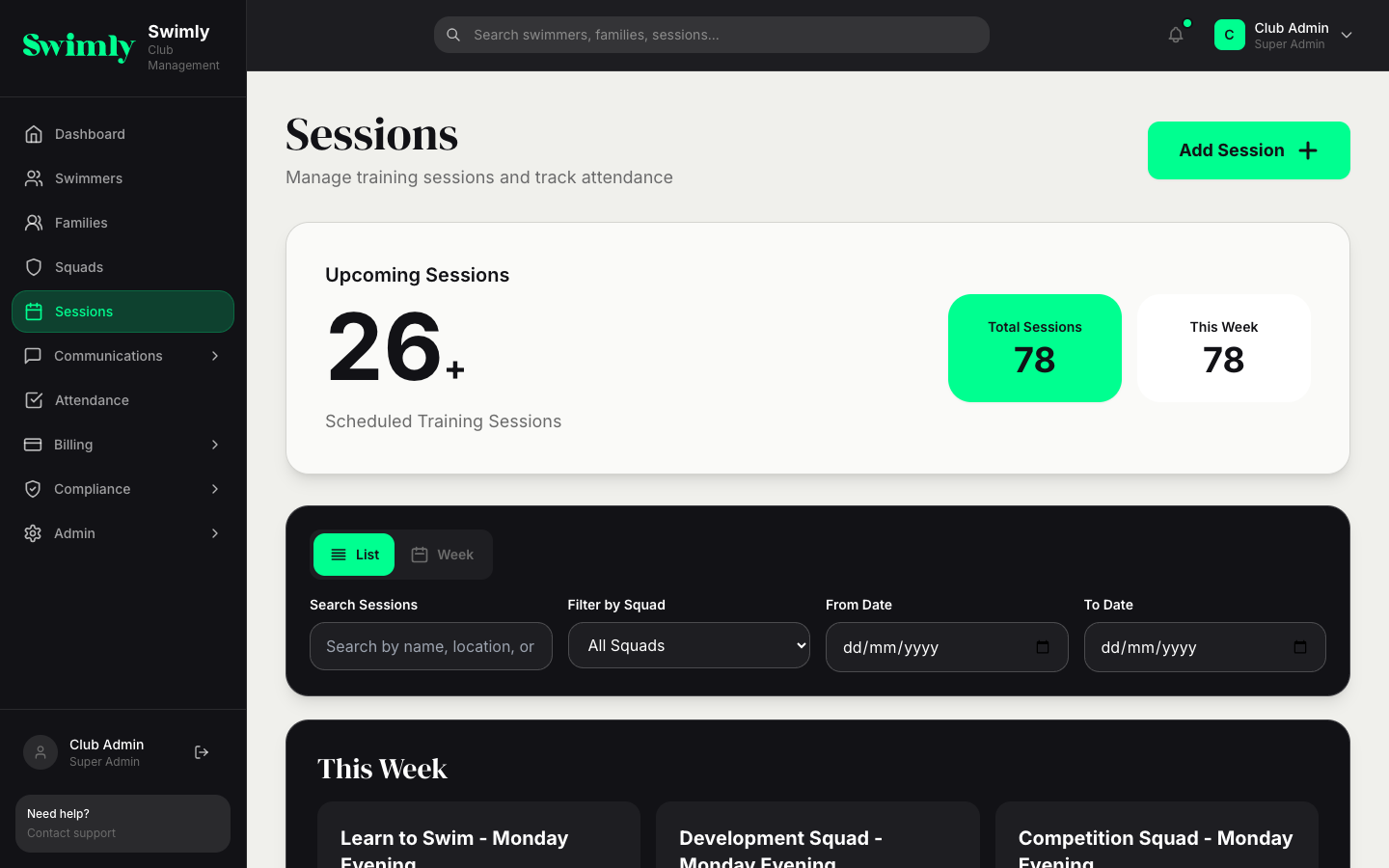
Session schedule
Check which squads are in the water. Parents and coaches see the same view.
How mobile access works
Access Swimly from any web browser
No app store downloads needed. Just visit swimly.uk from any device and log in. Works on Safari, Chrome, Firefox, and Edge.
Install as a progressive web app
For an app-like experience, install Swimly to your home screen. Looks and feels like a native app with push notifications and offline support.
Use offline mode at the pool
When poolside Wi-Fi is unreliable, Swimly works offline. Take registers, view member details, and check schedules without connection.
Auto-sync when online
As soon as your device reconnects, Swimly syncs all your offline changes to the cloud. Seamless and automatic.
"I take registers on my phone poolside every session. Offline mode means dodgy pool Wi-Fi isn't a problem. It syncs automatically when I leave the pool."
Coach, Surrey Sharks
Related features
Access your club from anywhere
Create your club today. Free for clubs under 50 members, no card required.
Start your club, freeFree for clubs with fewer than 50 members. No credit card required.